Create Layers
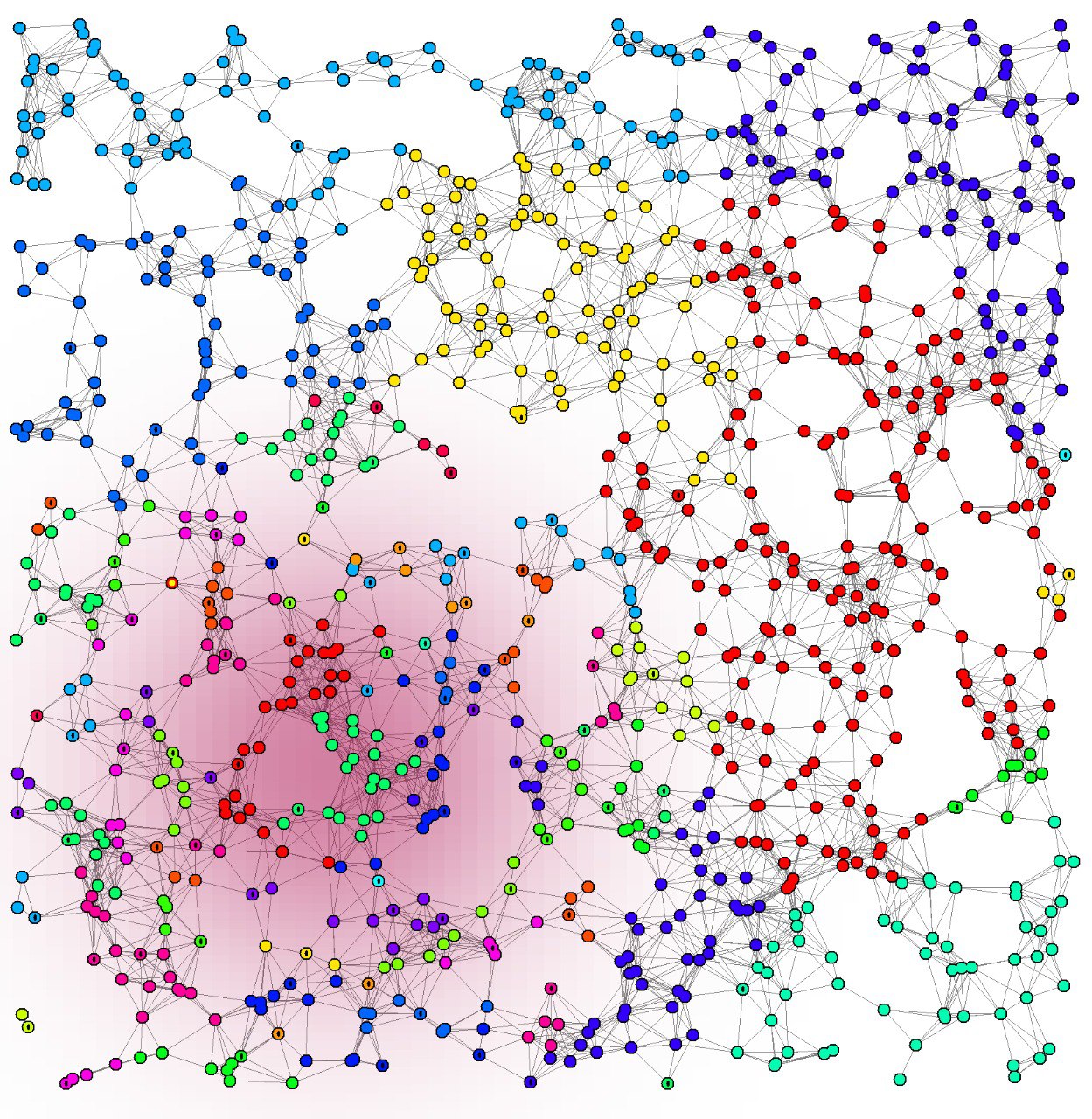
It is possible to define overlays (layers) of data that can be sensed everywhere in the environment. Layers can be used to model physical properties, such as pollution, light, temperature, and so on. Layers belong to the environment setup: each molecule is associated with at most one layer, and no layer can be associated once the environment is part of a running simulation.
A Layer maps each position to a value that may change over time:
its valueAt notifies every change of the value at a position.
Environment’s observeLayerValue observes a layer at the position of a node:
it notifies a new value whenever the node moves to a position with a different value,
or the layer changes the value at the node’s current position.
Layers whose spatial distribution never changes, such as
ConstantLayer,
StepLayer, and
BidimensionalGaussianLayer,
notify changes only through the movement of the observing node.
Reactions whose scheduling depends on a layer subscribe to these observables
and publish the resulting changes through their nextOccurrence, as described in
Reaction Scheduling and Ownership.
A custom layer whose spatial distribution never changes extends
TimeInvariantLayer and implements only currentValueAt.
A layer whose values change over time implements valueAt instead:
the returned observable emits every new value at the observed position,
and currentValueAt reads its current value.
A layer whose values depend on the simulation time can derive them from the simulation’s time,
which notifies every advancement of time.
Layers are created with the type/parameter syntax,
as in this example:
The following example shows the syntax for initializing multiple
BidimensionalGaussianLayers:
If the target layer is written in Kotlin, it can be loaded using named parameters, which arguably reads more clearly.