A list of known issues which we are aiming to resolve is tracked on the Alchemist Github issue tracker. Of course, contributions are welcome.
Other issues you may experience are listed below. If you run into other issues yourself, please report them.
Graphical glitches on the Swing graphical interface
Problem description
Under some combination of hardware and drivers, the Swing interface may render uncorrectly. This is due to Alchemist using OpenGL as rendering backend for Swing, in order to increase performance.
Examples of graphical glitches are the following:
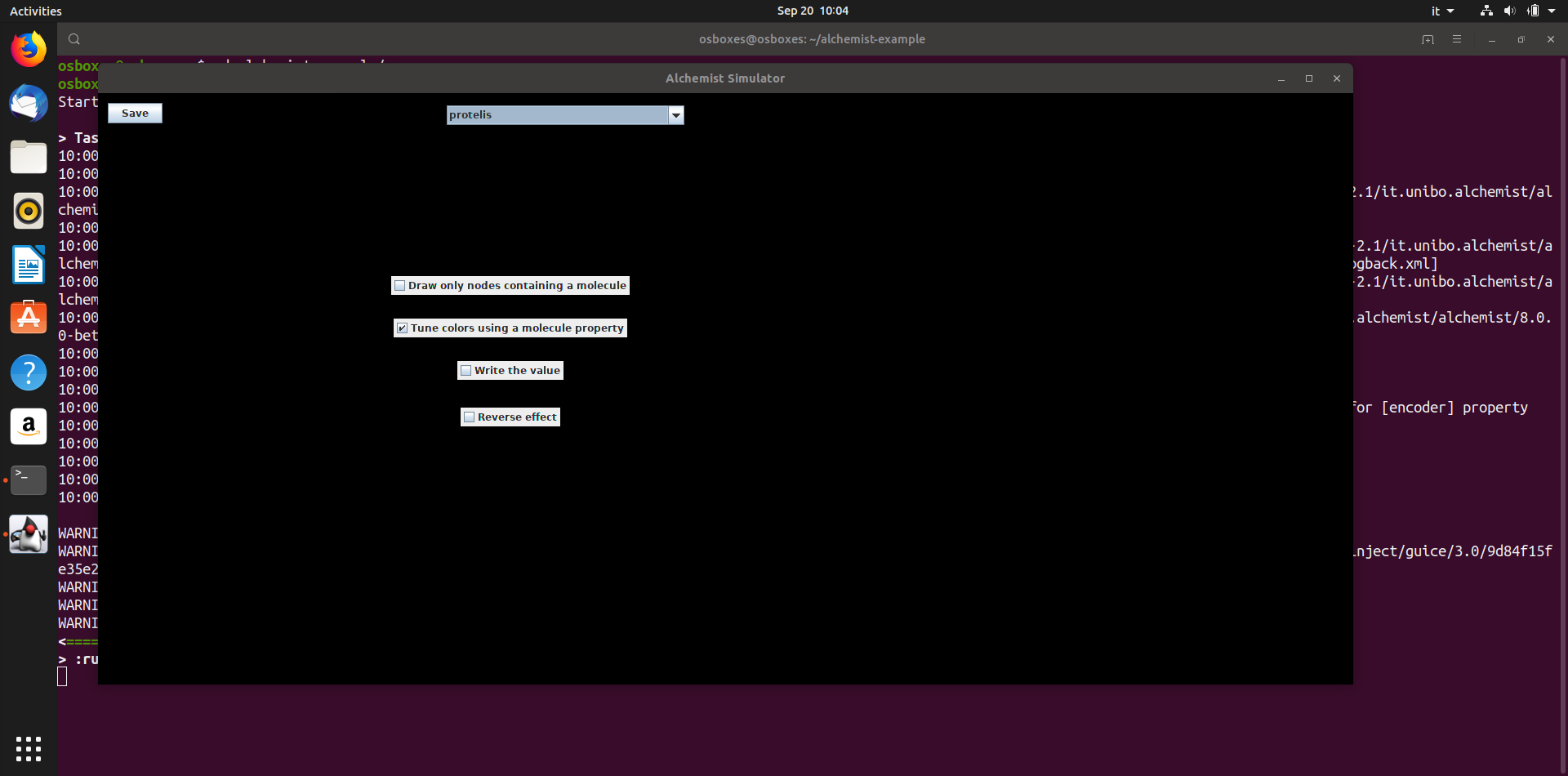
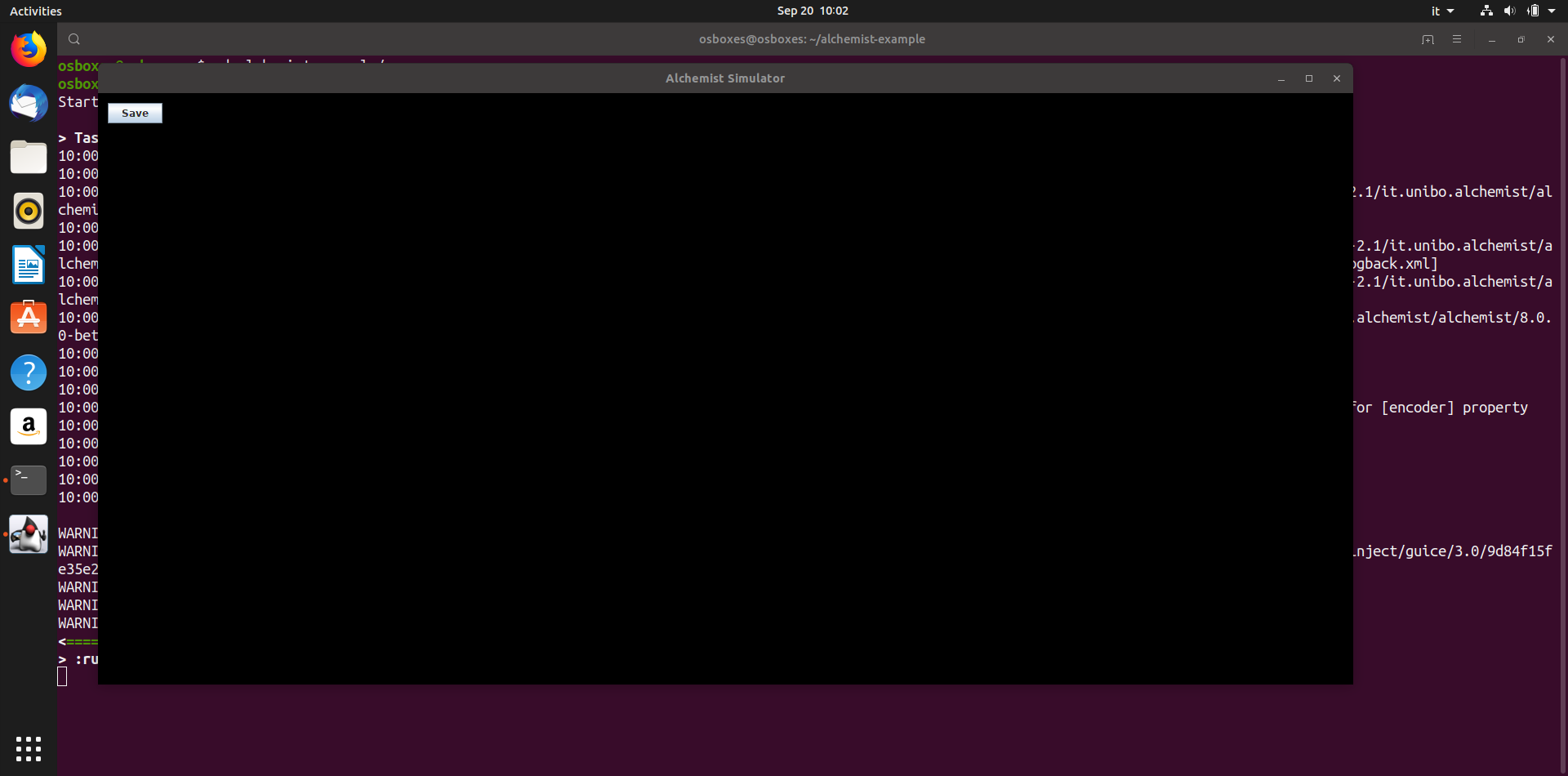
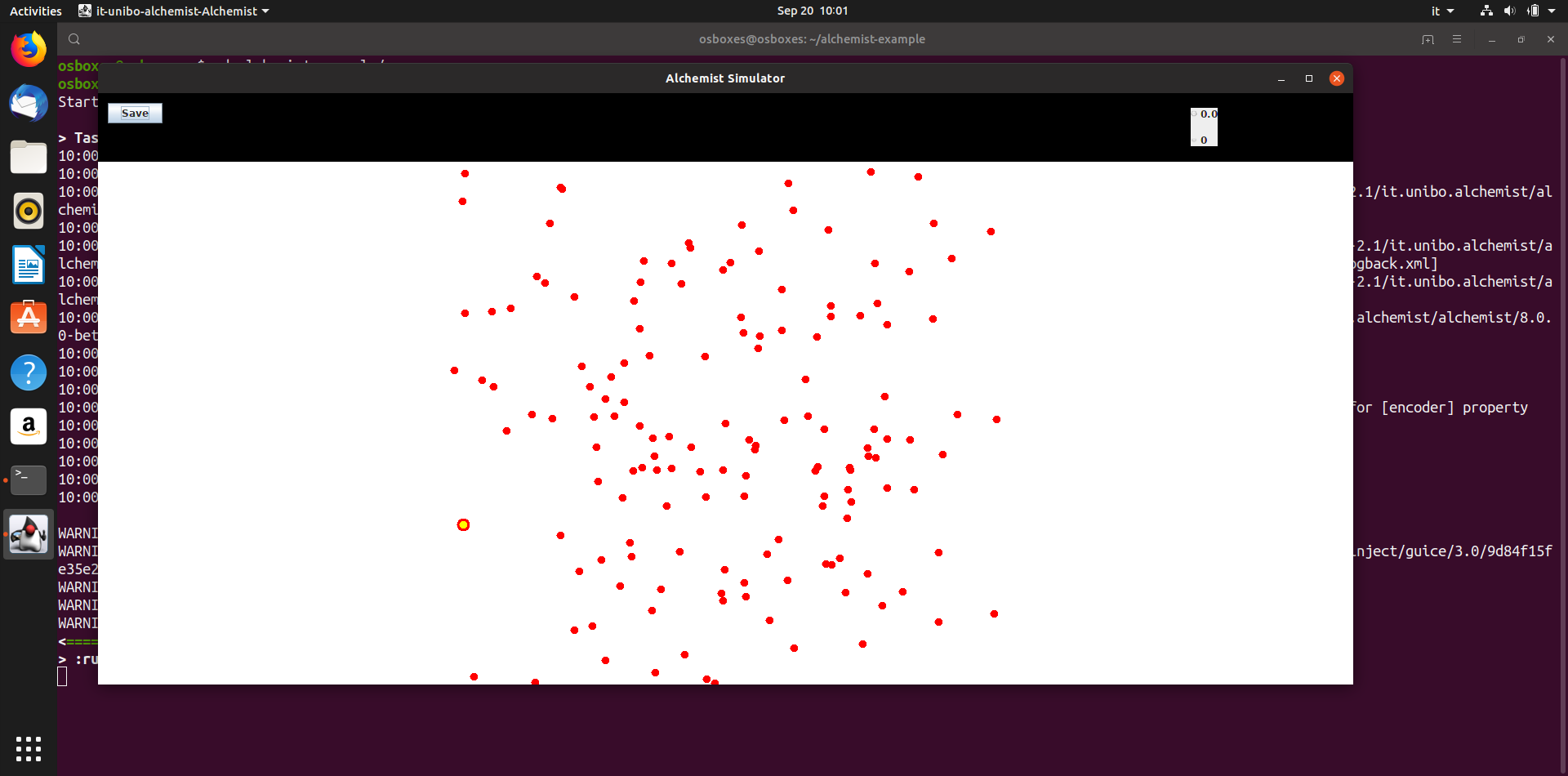
The issue has been reproduced on:
- Virtualbox-virtualized Ubuntu installation
- Old AMD APU for notebooks with open source radeon driver
Solution
In case you are using a virtualized environment, if you can do so, switch to the "bare metal" operating system. Otherwise, you can try to disable Swing OpenGL support by writing a custom component which sets Swing non-accelerated mode, by invoking the following Java code:
System.setProperty("sun.java2d.opengl","false");
Memory pressure for long run on Linux systems with more than 64GB of RAM
Problem description
In some situations, Alchemist is used on computers with a large amount of memory and parallelism, which require appropriate configuration. This has more to do with the way memory allocation on Linux and the JVM works than with Alchemist itself. The symptoms are:
- batch execution slowing down (this is due to the memory pressure)
- analysis of memory shows that the amount of memory actually in use by the JVM is always growing (similar to a memory leak)
- the following warning upon startup
[warning][gc] ***** WARNING! INCORRECT SYSTEM CONFIGURATION DETECTED! *****
[warning][gc] The system limit on number of memory mappings per process might be too low for the given
[warning][gc] max Java heap size (101754M). Please adjust /proc/sys/vm/max_map_count to allow for at
[warning][gc] least 183157 mappings (current limit is 65530). Continuing execution with the current
[warning][gc] limit could lead to a premature OutOfMemoryError being thrown, due to failure to map memory.
which is actually rather clear
Solution
The /proc/sys/vm/max_map_count could be changed manually, but you probably want this change to persist reboots.
One way is to create a sysctl configuration file (e.g., /etc/sysctl.d/99-vm-max-map-count.conf)
the following line: vm.max_map_count=XXXXXX;
where XXXXXX should be computed as 4*RAM_IN_GB*1024
(for instance vm.max_map_count=524288 for a system with 128GB RAM).
This can be done on a root shell via echo "vm.max_map_count=524288" > /etc/sysctl.d/99-vm-max-map-count.conf.
Once done, run as root sysctl --system to load the new configuration without rebooting.
When in doubt, select a higher value, apparently the negative effects are negligible.